Threading the HDMI funnel by hand
The Rusty Nail I/O board is fully routed now. Every signal is on copper, matched, and clean. The last piece to fall was the HDMI connector, and it was the one part I had already decided I would not do myself.
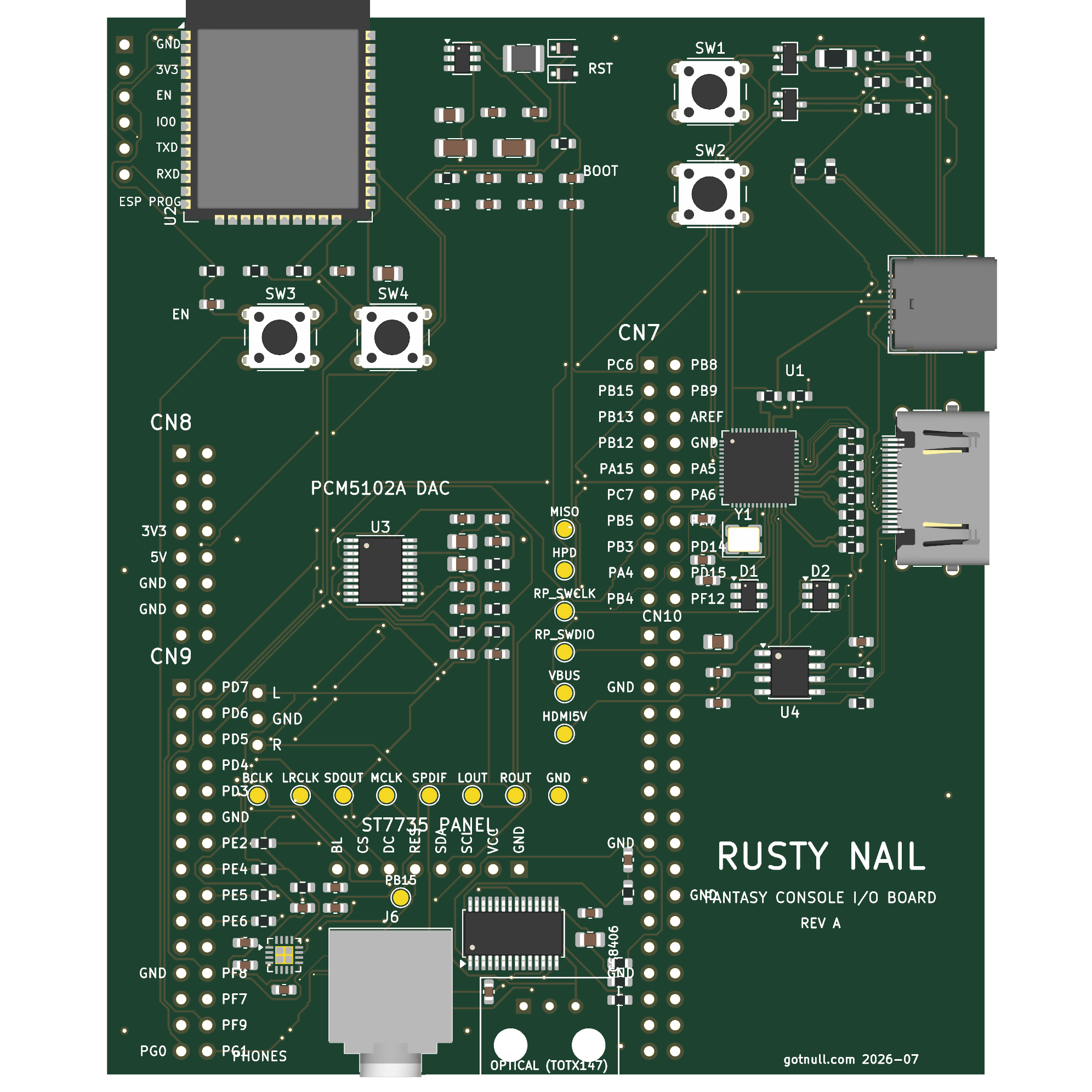
HDMI carries four high-speed differential pairs. On this board each of the eight wires makes the same short hop: connector pin, series resistor, protection diode. Eight of them, all fighting for the same few millimetres beside the connector. When I wrote up the plan for the final stretch of routing, I gave this little fan-out its own section and called it a job for an autorouter or a contractor.
It is hard because both copper layers are already full right where those wires need to go. The front is blocked by other signals crossing the escape path; the back is packed with the flash memory bus. Front blocked, back full. The kind of corner where a fresh look says "pay someone."
The script that almost did it
Before touching it by hand, I tried to script it. You can lay copper programmatically, and a single track is only a few lines:
t = pcbnew.PCB_TRACK(board)
t.SetStart(start); t.SetEnd(end)
t.SetLayer(pcbnew.F_Cu); t.SetNet(net)
board.Add(t)
The thing I was most worried about, matching the lengths so the signals stay in step, turned out to be the easy part - computing equal-length paths is exactly what code is good at. The first pair came out matched on the first pass.
The problem was everything already in the way. A script lays down static copper. It cannot nudge the existing traces aside to make room, so my routes just barreled straight into the neighbours and shorted them. Then I had a worse idea: to shorten a wire that came out too long, I wrote something to relax its zig-zags. It shortened the wire. It also dragged the two halves of a pair into each other and merged them. I threw that away and sat back.
The lesson was blunt. A corner this tight needs a router that moves the existing copper out of the way as you go, and that is one thing a script laying fixed geometry cannot do.
The right tool
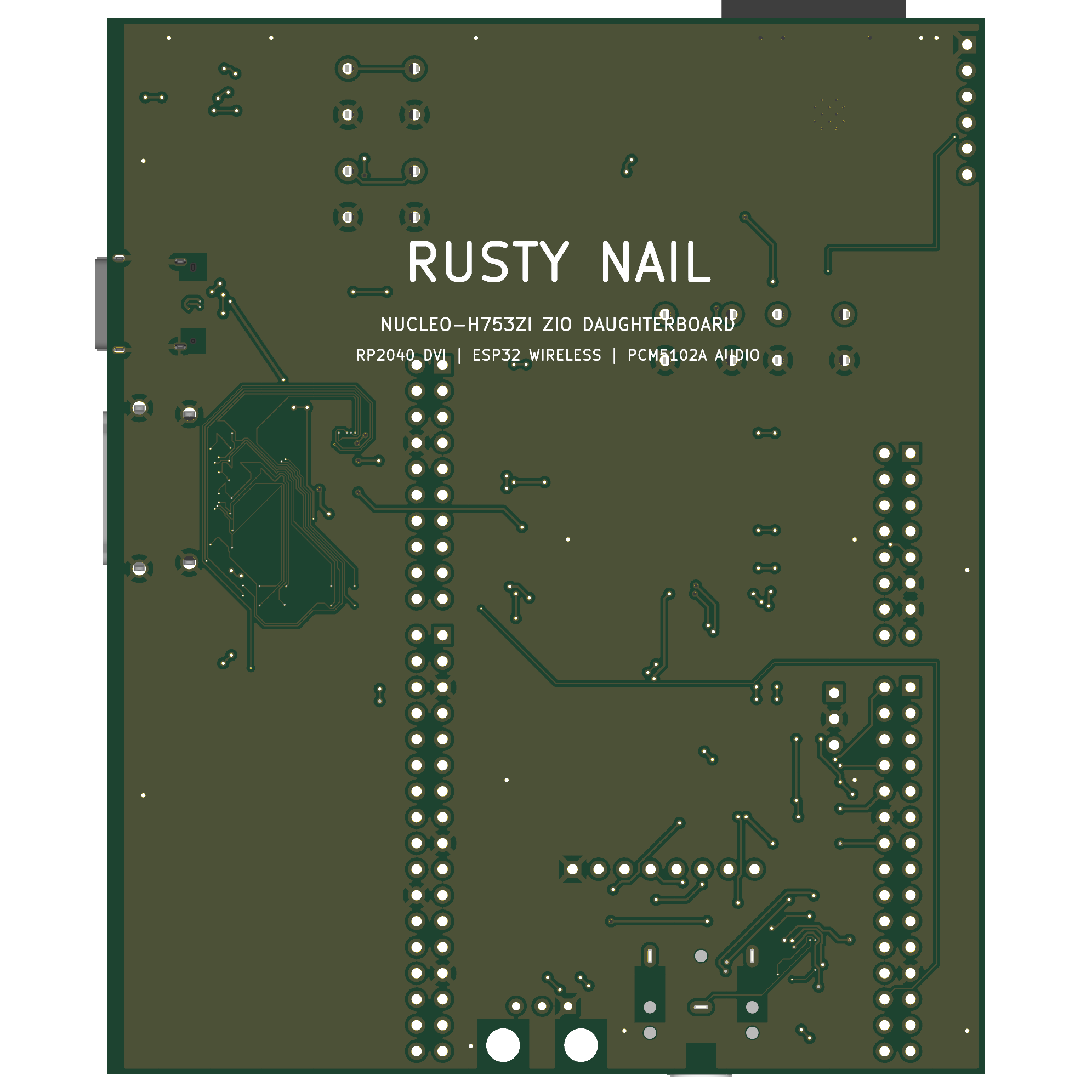
KiCad has exactly that: an interactive mode that shoves the surrounding traces aside as you drag a new one through. With it on, every wire became the same move - come off the connector pin, dive under the blocked front layer, pop up on the far side, and push through the crowded back to the diode, the shove engine parting the flash bus as I went. The first one took a while to feel right. By the last few it was muscle memory.
The boring part
Getting the eight wires connected was the fun bit. Matching them was the grind.
High-speed pairs have to be close to the same length, both within a pair and across all four, so the picture arrives without smearing. But the four pairs are naturally very different lengths here, because their diodes sit at different distances - the clock is short, one data lane is long. You cannot make the long one shorter than its route, so everything else has to be padded out to match, and padding means adding deliberate wiggles to soak up length. I spent an embarrassing number of passes creeping the short pairs up, overshooting, backing off, until all four finally landed in the same window.
And then, being honest with myself: none of that precision matters much here. This board drives a 640x480 monitor, which is slow as HDMI goes. The length differences I was sweating are a rounding error at that speed - the targets I was chasing are the sort you would want for a sharp 1080p signal, not this. I could have loosened the check and been done an hour earlier. But by then I wanted to know whether the corner I had written off as too hard was actually routable by hand. It was.
Where it stands
The whole board routes clean now, and it is still firmly marked do-not-fabricate. Routing being finished is not the same as being ready - there are a handful of checks left that no script can sign off, the kind that come down to a datasheet table or a mechanical fit rather than a trace. Those are next.
This one sits with the rest of the board's story: the HDMI board before the datasheet, about committing to a shape before the parts were pinned down, and the SPI panel saga, about a display that fought back. This was about a corner I'd already given up on, and finding out I didn't have to.
If you want the background, HDMI rides on TMDS, and the trick that saved this was KiCad's push-and-shove router.