Rusty Nail
A fantasy console that runs bare metal on a microcontroller, with PICO-8 carts, emulators, and its own HDMI and cartridge hardware.
42 posts, 11th June 2026 to 13th August 2026 RSS for this project
Every post, oldest first
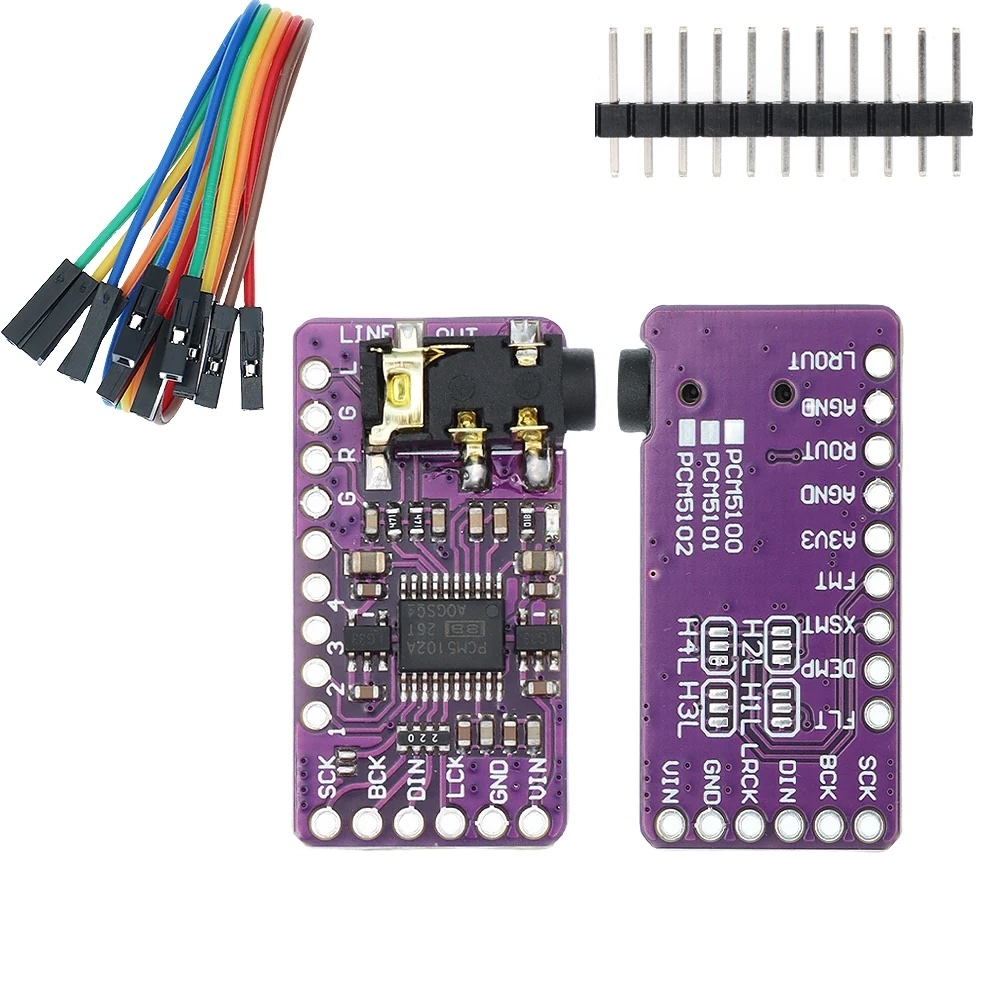
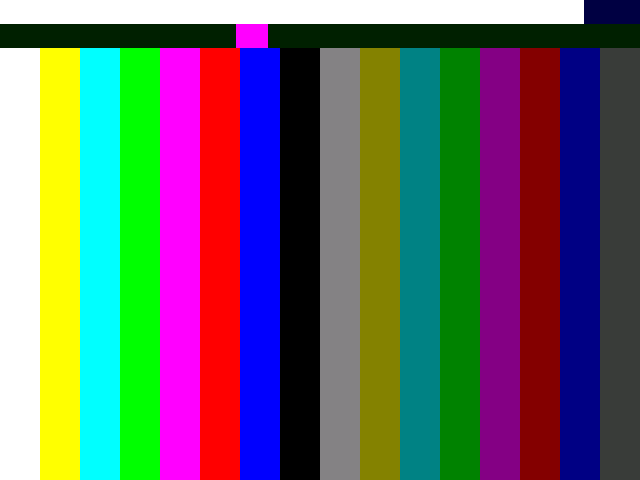
Part 1: How Rusty Nail is put together Rusty Nail is a windowed pixel desktop running bare metal on a Nucleo-H753ZI. This is the architecture, and why the display is an abstraction from the start. Part 2: Running real PICO-8 Lua on a Cortex-M7 Vendoring Lua 5.4 into bare-metal firmware, and why a hardware watchdog beat an instruction-count hook for stopping runaway carts. Part 3: Getting sound out of it Wiring an I2S DAC to the console over SAI and DMA, and why the audio stayed silent for most of a day. Part 4: The SPI panel, from a blank screen to 25 MHz Getting the desktop off the USB stream and onto a real LCD, then climbing from 1 MHz to 25 MHz without losing the audio. Part 5: The SPI panel and me I had a working HDMI path at 12:48am. The next morning I picked up the tiny SPI screen instead and spent nine hours reinventing flicker. Part 6: Swapping the ESP32 for a Bluetooth gamepad I picked an ESP32-C6 for the controller bridge and learned that BLE-only is a property of the silicon, so the fix was a different chip and one build flag. Part 7: Moving the SPI panel to DMA The SPI blit was a blocking row-by-row write that stalled the console for about 13 ms every frame. DMA fixed it and the data cache nearly broke it. Part 8: A divide per pixel Profiling the PICO-8 runtime found a stretched-sprite blit doing an integer divide on every pixel, on a chip with no fast divide. 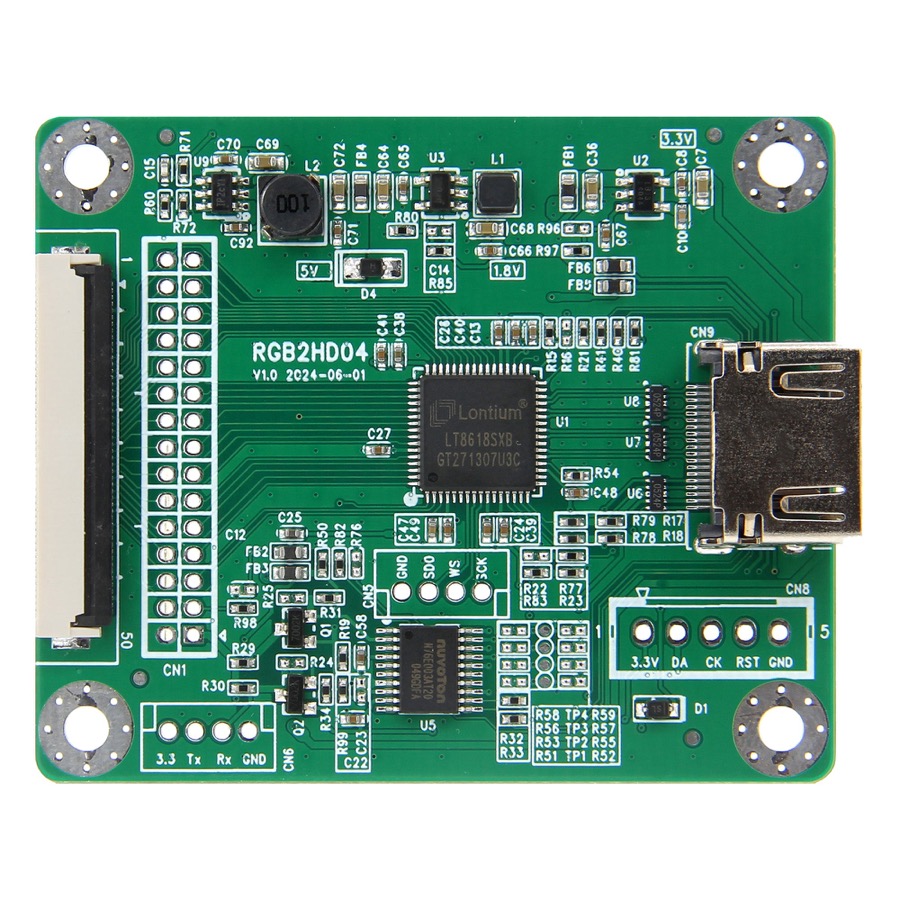 Part 9: The HDMI board I bought before reading the datasheet I bought a 50-pin RGB888-to-HDMI board, then counted the pins. The Nucleo never had 24 to give, so the fix is probably a second microcontroller whose whole job is HDMI. Part 10: Planning a flash cartridge for the console Picking a W25Q flash chip for a physical PICO-8 cartridge and mapping how the firmware would read it. Nothing is built yet. Part 11: Reading the framebuffer out of RAM The standalone build sends nothing back to a host, so before I could redesign the boot splash I had to work out how to screenshot a screen my Mac cannot see. Part 12: Downloading PICO-8 carts over WiFi Rusty Nail can download carts from a pop-up launcher. The WiFi reason-15 failure was my own off-by-one, and a GPIO pin really did die on the bench. Part 13: First light on the Feather RP2040 DVI The DVI board had the console's palette on a monitor within 45 minutes of arriving, despite a wrong-variant pinout diagram and a slicer typing G-code into my REPL. Part 14: Getting console frames onto the Feather RP2040 DVI Two days between the H7 and a real HDMI picture, including a missing ground return and a clock divider that misreported its rate.
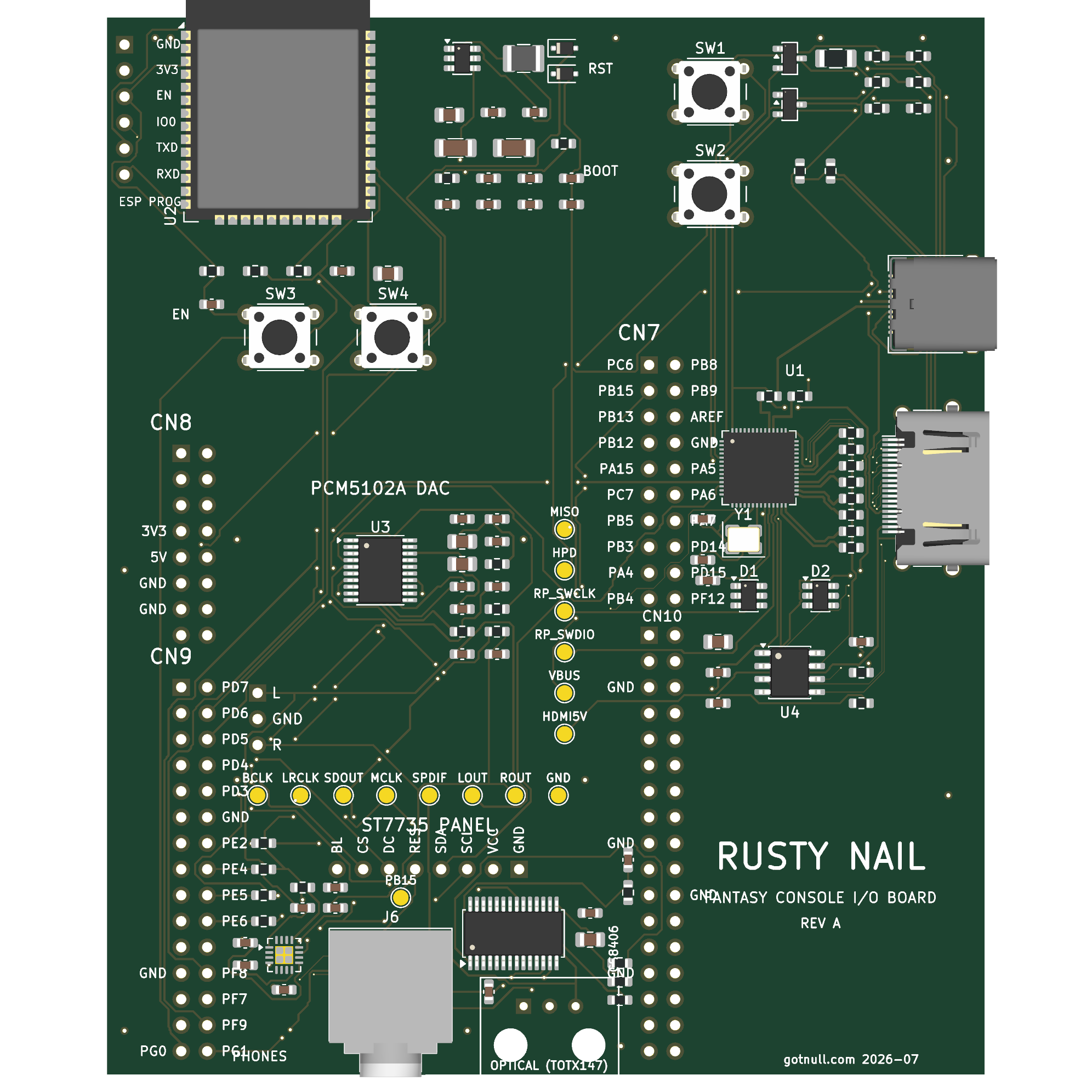 Part 15: Threading the HDMI funnel by hand The eight wires into the HDMI connector were the one part of the board I had decided to hand off. A script almost did it, then KiCad's push-and-shove router did. Part 16: Why I didn't replace the PICO-8 runtime Whether the homegrown PICO-8 runtime should be replaced with an existing emulator. After twenty-one test cartridges the answer was to keep everything and swap the Lua core. Part 17: A runtime baseline before the Lua swap A permanent benchmark and input tapes recorded from real play, so the new Lua VM has numbers to beat before it lands. Part 18: z8lua lands behind a flag The new Lua core measured against the old one on identical silicon, with a licensed PICO-8 as the oracle and a per-cart compatibility matrix. Part 19: An evening of unrelated fixes Three unrelated fixes from one evening. The biggest was a cartridge that finally keeps its saves; the strangest was an iterator that duplicated the player. Part 20: The fixed-point Lua core becomes the default Stage 9 of the runtime migration, ending the night at 59 fps on jumper wires after a one-byte regression that cost 19 carts.
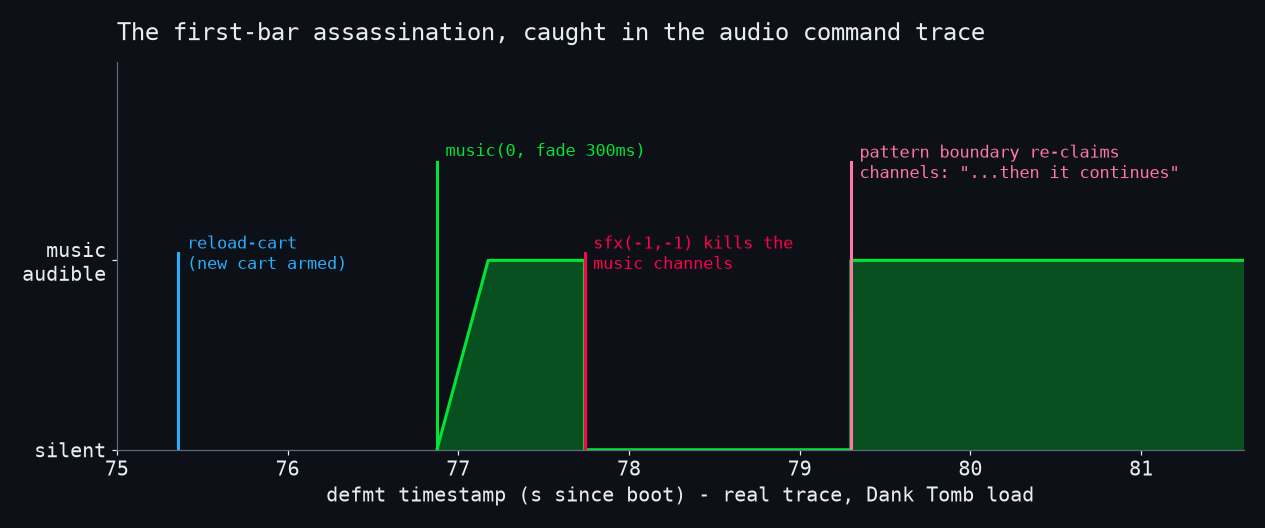 Part 21: Why the speakers started clicking The morning after deleting the old Lua core, everything played and then the speakers started clicking. A command trace found three lines of channel semantics and a missing crossfade. Part 22: A 3x palette scanout for the HDMI picture The HDMI picture was pixel-perfect and still looked soft. A full-resolution palette scanout fixed that, after an afternoon lost to a heap that only sometimes existed. Part 23: What all the wires are for A tour of Rusty Nail as it stands, from the OS on screen to the four breakout boards and the cartridge shell with a 16 MiB flash chip inside. Part 24: Redesigning the cartridge shell around the label The 3D-printed cartridge shell gets a flush sticker pocket and a chamfered corner, test-fitted virtually before printing anything. Part 25: A 9 by 9 demoscene square in the launcher header The launcher's blinking sparkle became a 9 by 9 pixel demoscene with seventeen tiny effects dealt from a shuffled deck. Part 26: A crash reporter for a bare-metal console Giving the console a crash reporter that survives the reset and emails me, and the ways an STM32H7 loses data across a warm reset.
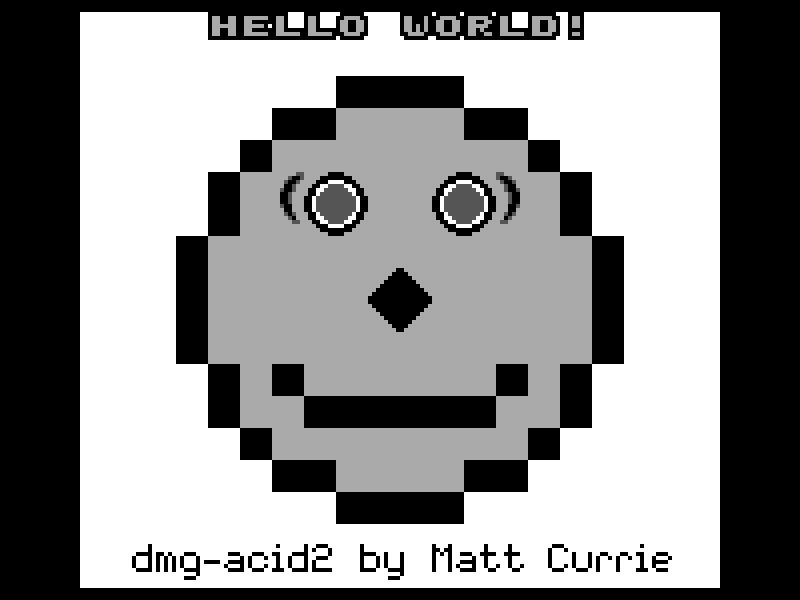 Part 27: Game Boy first light Two days from a feasibility study to DMG code on the TV, with the console's SPI video wire carrying two frame geometries at once. Part 28: Cattle Crisis from 9 fps to 58 One day of hardware A/B tests on the H753. The biggest single win was a compiler flag I should have set weeks ago. Part 29: The console's second shell Two days building the console's second shell, including a crash hunt that ended eight kilobytes from the stack floor. Part 30: Planning USB floppy support Four transport dialects from 1998 and a FAT12 layer nobody ships, which is why the first firmware milestone is just reading descriptors. Part 31: Why Celeste sounded wrong The cart was byte-identical to the BBS copy, so the fault was in the synth: a music clock cutting bars to a quarter, and a noise fit matched to the wrong metric. Part 32: Mega Drive emulation over an 8 MHz jumper-wire link A Mega Drive emulator on a 480 MHz Cortex-M7 with perfect music beside a screen that tore in half. The fix was to make a slow frame arrive atomically.
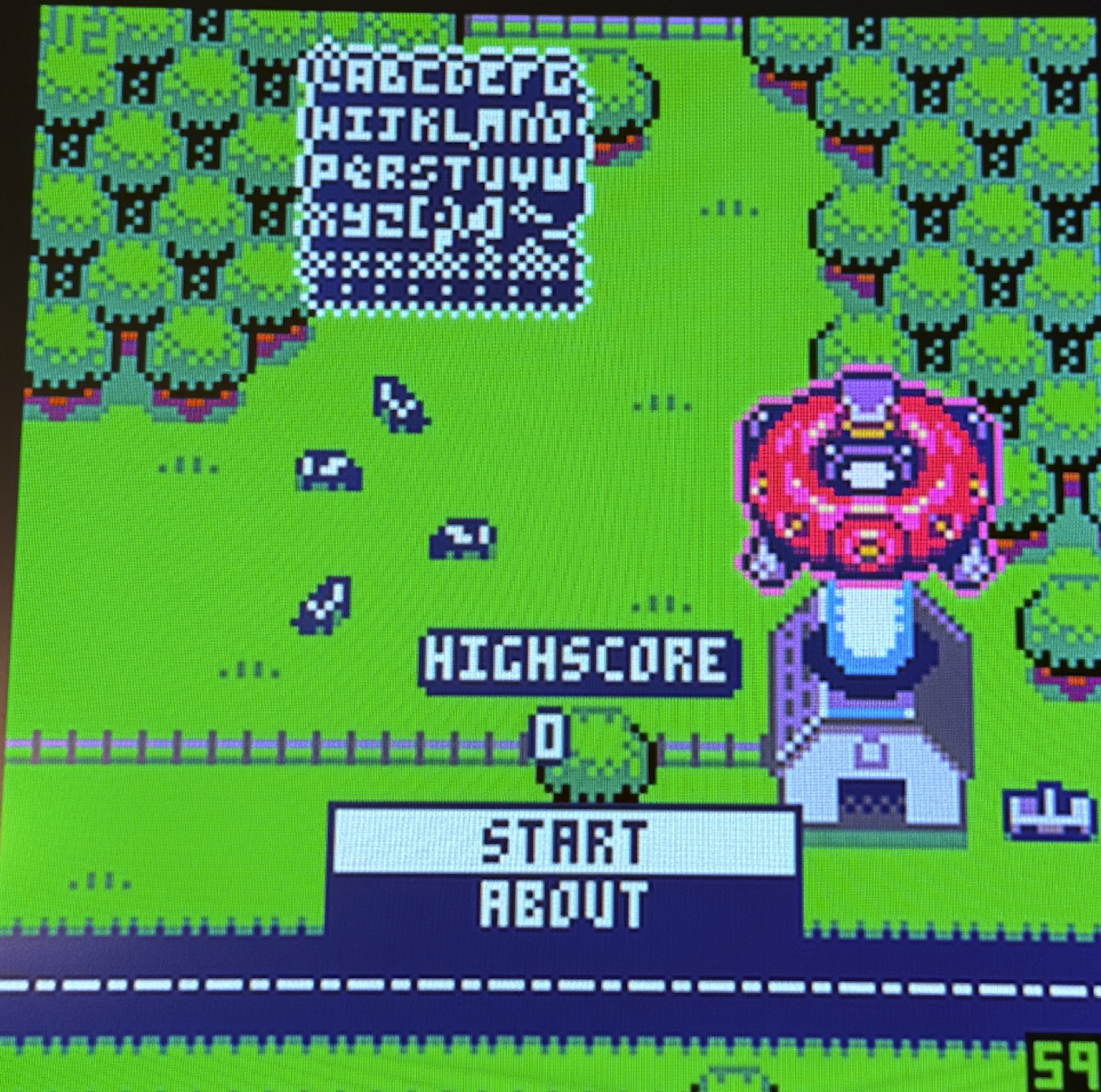 Part 33: Kickstart 1.3 runs under budget on the STM32H753 First hardware numbers for the Amiga core: a real Kickstart 1.3 ROM executing deterministically at a p99 of 2.51M cycles per PAL frame, against a gate of 3.35M. Part 34: A desktop flasher for the cartridge A host tool that turns one ROM into the matching H7 runtime, RP2040 receiver and cartridge image, and refuses to declare success until the cart reads back the exact bytes. Part 35: The emulated Amiga boots Workbench 1.3 The Amiga core on the STM32H753 boots a real Workbench 1.3 floppy to the desktop, and what it took to get the floppy controller right. Part 36: The Amiga gets a mouse and boots Turrican II Mouse input for the emulated Amiga, then a commercial game whose custom trackloader refused to work until the floppy drive learned to spin. Part 37: Profiling the SNES core on the H7 The from-scratch SNES core matches the reference emulator to the cycle. Five optimisations measured on hardware, and a profiler that says the problem is memory. Part 38: The RP2040 as a SNES sound chip, at 97 per cent of realtime Two bodge wires taught the HDMI coprocessor to talk back and run the SNES sound chip with real Super Mario World music. It reached 97 per cent of realtime.
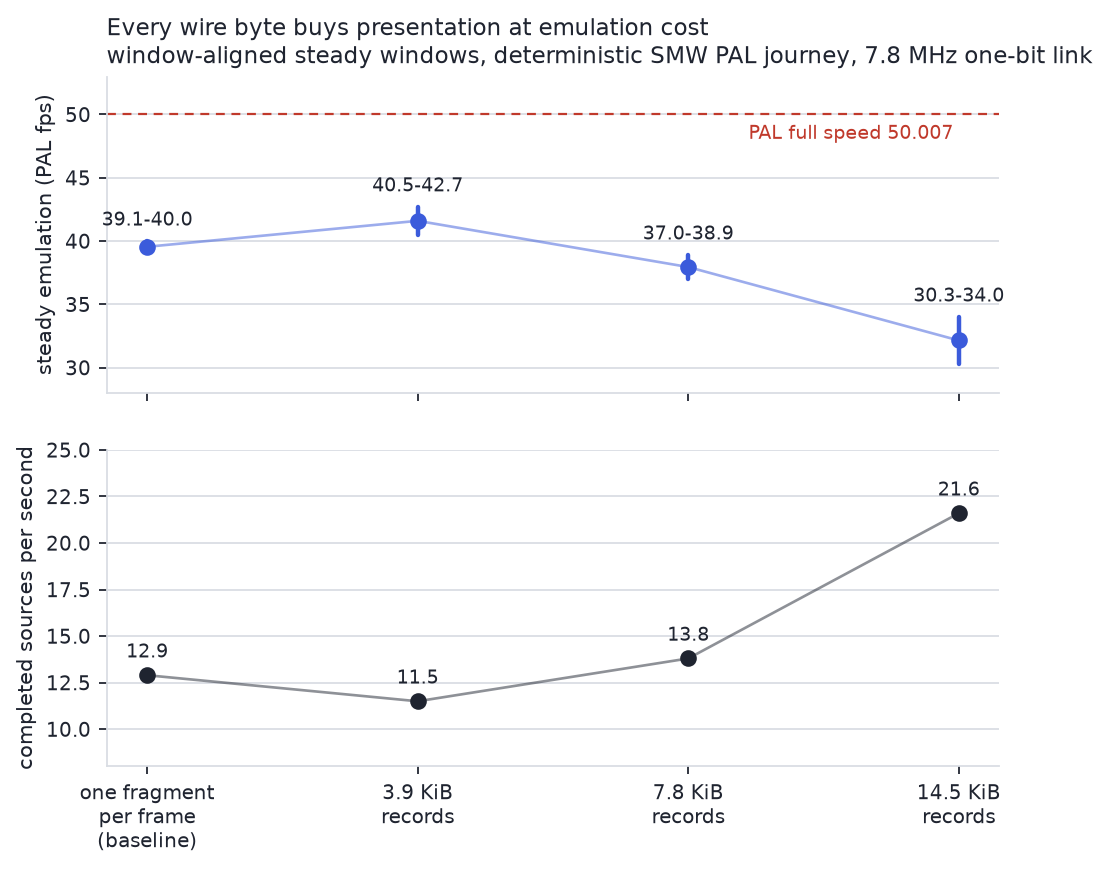 Part 39: Proving where the SNES bottleneck was Days optimising the HDMI coprocessor because every symptom said it was holding the SNES back. The measurements pointed at the wire instead. Part 40: A flight recorder for firmware Building a recorder that captures a good run and a bad run of the same firmware workload so a tool can find the first difference that matters. Part 41: Speculative execution against the SNES sound chip The SNES core was losing four million cycles a frame waiting on a sound chip on another board. Predicting the answer lifted Super Mario World from 35 to about 50 fps. Part 42: Reading a Game Boy cartridge through a GBFlash The console's USB host port meets a cartridge reader that pretends to be a CH340 serial chip. By the end of the day the firmware read and validated a real cartridge header.
Part 9: The HDMI board I bought before reading the datasheet I bought a 50-pin RGB888-to-HDMI board, then counted the pins. The Nucleo never had 24 to give, so the fix is probably a second microcontroller whose whole job is HDMI. Part 10: Planning a flash cartridge for the console Picking a W25Q flash chip for a physical PICO-8 cartridge and mapping how the firmware would read it. Nothing is built yet. Part 11: Reading the framebuffer out of RAM The standalone build sends nothing back to a host, so before I could redesign the boot splash I had to work out how to screenshot a screen my Mac cannot see. Part 12: Downloading PICO-8 carts over WiFi Rusty Nail can download carts from a pop-up launcher. The WiFi reason-15 failure was my own off-by-one, and a GPIO pin really did die on the bench. Part 13: First light on the Feather RP2040 DVI The DVI board had the console's palette on a monitor within 45 minutes of arriving, despite a wrong-variant pinout diagram and a slicer typing G-code into my REPL. Part 14: Getting console frames onto the Feather RP2040 DVI Two days between the H7 and a real HDMI picture, including a missing ground return and a clock divider that misreported its rate. Part 15: Threading the HDMI funnel by hand The eight wires into the HDMI connector were the one part of the board I had decided to hand off. A script almost did it, then KiCad's push-and-shove router did. Part 16: Why I didn't replace the PICO-8 runtime Whether the homegrown PICO-8 runtime should be replaced with an existing emulator. After twenty-one test cartridges the answer was to keep everything and swap the Lua core. Part 17: A runtime baseline before the Lua swap A permanent benchmark and input tapes recorded from real play, so the new Lua VM has numbers to beat before it lands. Part 18: z8lua lands behind a flag The new Lua core measured against the old one on identical silicon, with a licensed PICO-8 as the oracle and a per-cart compatibility matrix. Part 19: An evening of unrelated fixes Three unrelated fixes from one evening. The biggest was a cartridge that finally keeps its saves; the strangest was an iterator that duplicated the player. Part 20: The fixed-point Lua core becomes the default Stage 9 of the runtime migration, ending the night at 59 fps on jumper wires after a one-byte regression that cost 19 carts. Part 21: Why the speakers started clicking The morning after deleting the old Lua core, everything played and then the speakers started clicking. A command trace found three lines of channel semantics and a missing crossfade. Part 22: A 3x palette scanout for the HDMI picture The HDMI picture was pixel-perfect and still looked soft. A full-resolution palette scanout fixed that, after an afternoon lost to a heap that only sometimes existed. Part 23: What all the wires are for A tour of Rusty Nail as it stands, from the OS on screen to the four breakout boards and the cartridge shell with a 16 MiB flash chip inside. Part 24: Redesigning the cartridge shell around the label The 3D-printed cartridge shell gets a flush sticker pocket and a chamfered corner, test-fitted virtually before printing anything. Part 25: A 9 by 9 demoscene square in the launcher header The launcher's blinking sparkle became a 9 by 9 pixel demoscene with seventeen tiny effects dealt from a shuffled deck. Part 26: A crash reporter for a bare-metal console Giving the console a crash reporter that survives the reset and emails me, and the ways an STM32H7 loses data across a warm reset. Part 27: Game Boy first light Two days from a feasibility study to DMG code on the TV, with the console's SPI video wire carrying two frame geometries at once. Part 28: Cattle Crisis from 9 fps to 58 One day of hardware A/B tests on the H753. The biggest single win was a compiler flag I should have set weeks ago. Part 29: The console's second shell Two days building the console's second shell, including a crash hunt that ended eight kilobytes from the stack floor. Part 30: Planning USB floppy support Four transport dialects from 1998 and a FAT12 layer nobody ships, which is why the first firmware milestone is just reading descriptors. Part 31: Why Celeste sounded wrong The cart was byte-identical to the BBS copy, so the fault was in the synth: a music clock cutting bars to a quarter, and a noise fit matched to the wrong metric. Part 32: Mega Drive emulation over an 8 MHz jumper-wire link A Mega Drive emulator on a 480 MHz Cortex-M7 with perfect music beside a screen that tore in half. The fix was to make a slow frame arrive atomically. Part 33: Kickstart 1.3 runs under budget on the STM32H753 First hardware numbers for the Amiga core: a real Kickstart 1.3 ROM executing deterministically at a p99 of 2.51M cycles per PAL frame, against a gate of 3.35M. Part 34: A desktop flasher for the cartridge A host tool that turns one ROM into the matching H7 runtime, RP2040 receiver and cartridge image, and refuses to declare success until the cart reads back the exact bytes. Part 35: The emulated Amiga boots Workbench 1.3 The Amiga core on the STM32H753 boots a real Workbench 1.3 floppy to the desktop, and what it took to get the floppy controller right. Part 36: The Amiga gets a mouse and boots Turrican II Mouse input for the emulated Amiga, then a commercial game whose custom trackloader refused to work until the floppy drive learned to spin. Part 37: Profiling the SNES core on the H7 The from-scratch SNES core matches the reference emulator to the cycle. Five optimisations measured on hardware, and a profiler that says the problem is memory. Part 38: The RP2040 as a SNES sound chip, at 97 per cent of realtime Two bodge wires taught the HDMI coprocessor to talk back and run the SNES sound chip with real Super Mario World music. It reached 97 per cent of realtime. Part 39: Proving where the SNES bottleneck was Days optimising the HDMI coprocessor because every symptom said it was holding the SNES back. The measurements pointed at the wire instead. Part 40: A flight recorder for firmware Building a recorder that captures a good run and a bad run of the same firmware workload so a tool can find the first difference that matters. Part 41: Speculative execution against the SNES sound chip The SNES core was losing four million cycles a frame waiting on a sound chip on another board. Predicting the answer lifted Super Mario World from 35 to about 50 fps. Part 42: Reading a Game Boy cartridge through a GBFlash The console's USB host port meets a cartridge reader that pretends to be a CH340 serial chip. By the end of the day the firmware read and validated a real cartridge header.